Share your events effortlessly on social media
Post your events to Facebook, Instagram, and Bluesky manually or fully automated. Configure channel, time, and event filters for automatic posting. Images are automatically transformed to fit each platform.
Post your events in 3 simple steps
Choose which event you want to share from your list
Add AI-generated captions or write your own
Publish your post immediately to your selected channels
See how easy social media posting works
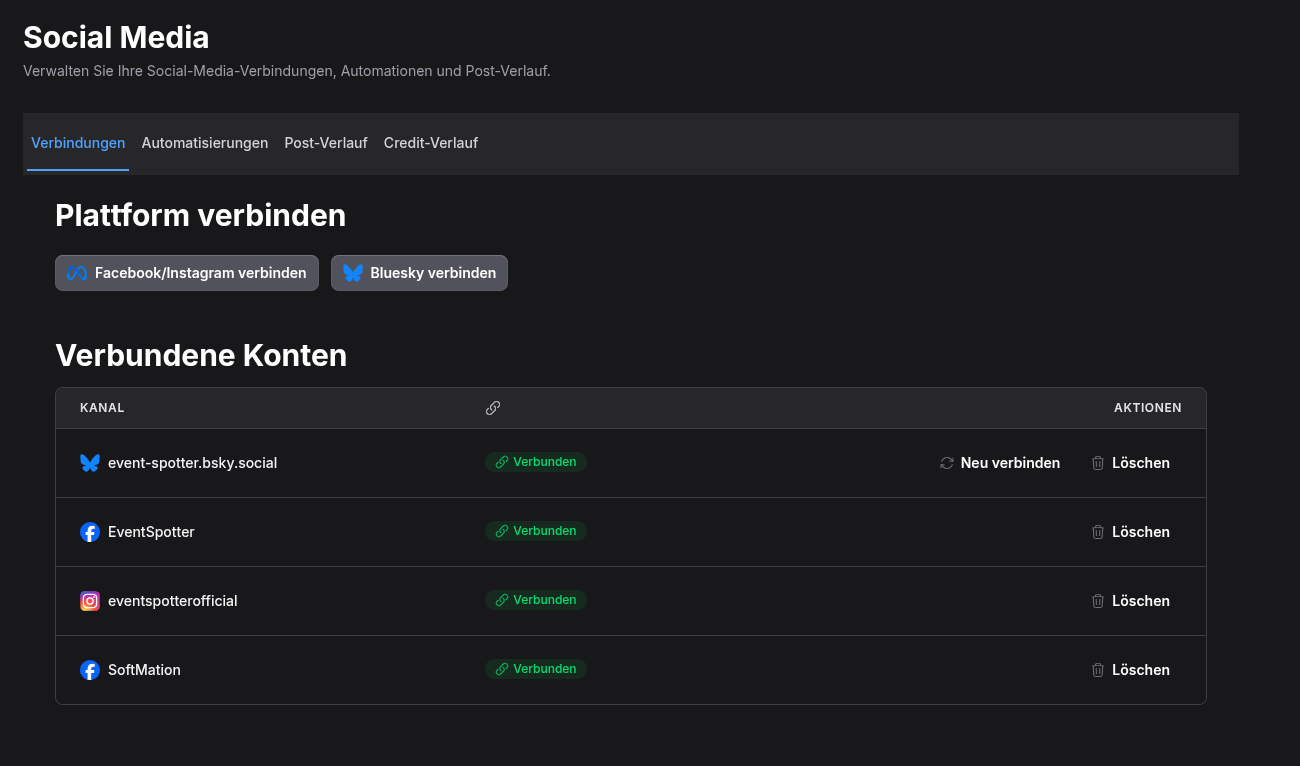
1. Connect your social media accounts
Post to your Facebook page with rich previews
Share stunning event visuals automatically
Reach the growing Bluesky community
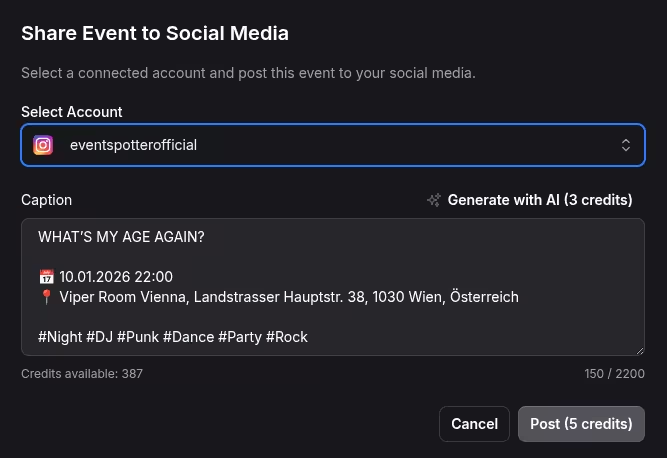
Review and post your events manually to your social media channels with full control over timing and content.
Configure channel, time, and event filters once, then let EventSpotter automatically post matching events. Images are transformed to fit each platform perfectly.
Images are automatically transformed to fit each platform's requirements perfectly - Instagram, Facebook, and Bluesky.
Generate engaging captions automatically using AI. Customize the tone and style to match your brand voice.
Multiple users in the same tenant can manage and post events. Perfect for organizations with multiple team members.
Everyone gets 50 free credits to start. Contact us if you need more.